Capture the Joy. Share the Moment. Reminisce Forever.
Memories captured. Zero hands required.
Put a phone or tablet on a tripod. Guests tap, the camera counts down, and the photos are saved, printed and shared without anyone running the booth.
Coming soon to the App Store and Google Play. Start on the web today.


Built for Events, Designed for Ease
No complicated setup, no steep learning curve. Just everything you need to delight your guests.
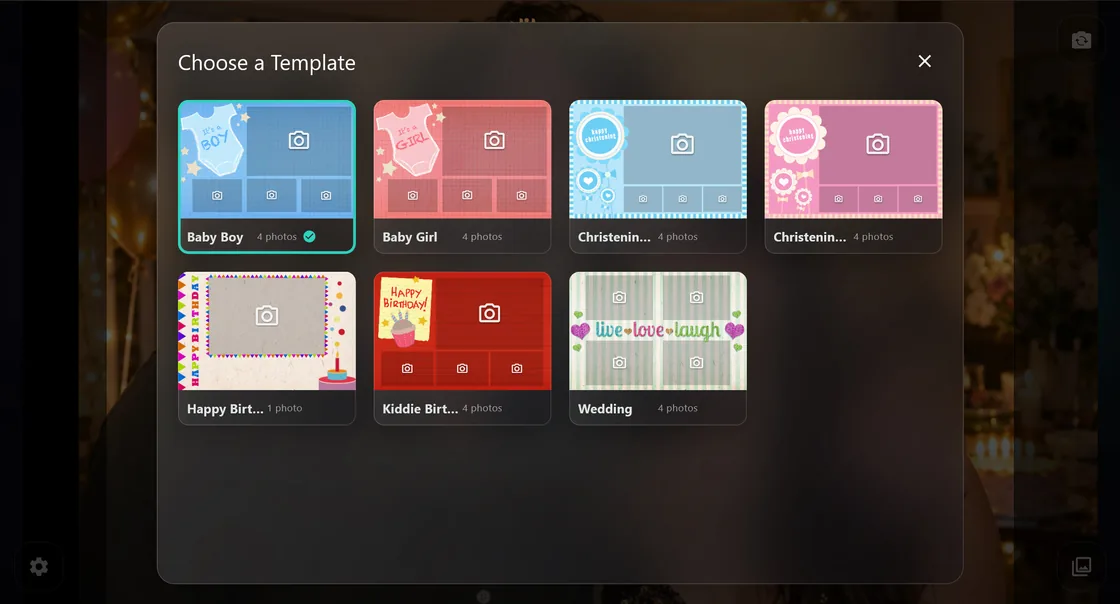
Pick a look. Tune the moment.
Switch templates, cameras, and timers without slowing the party down.
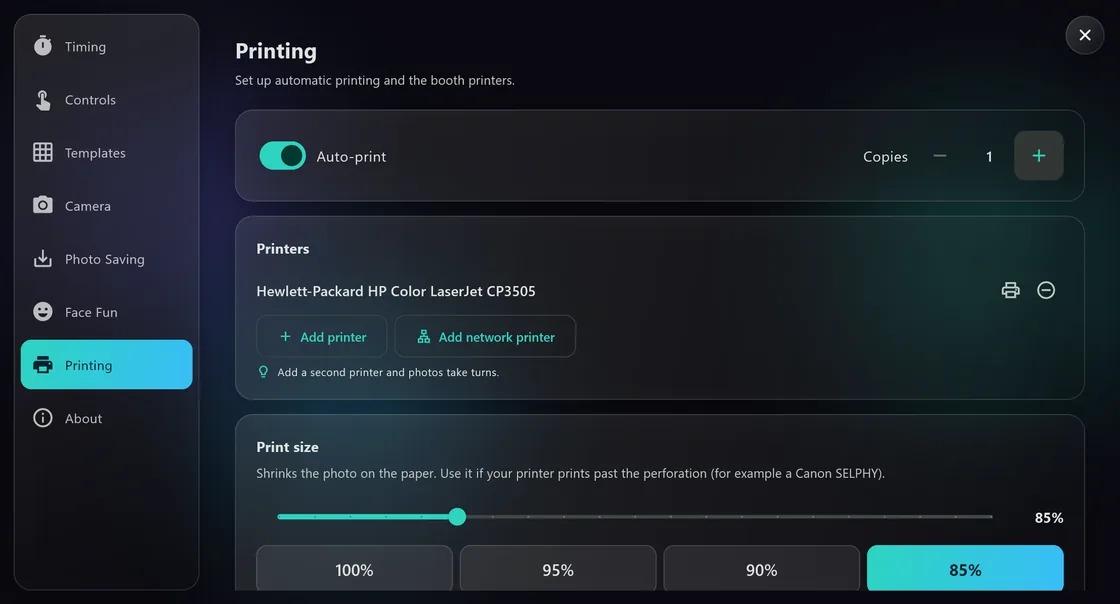
Set it once. Auto-print takes over.
Choose your printer, copies, and print size — then no one has to press print.
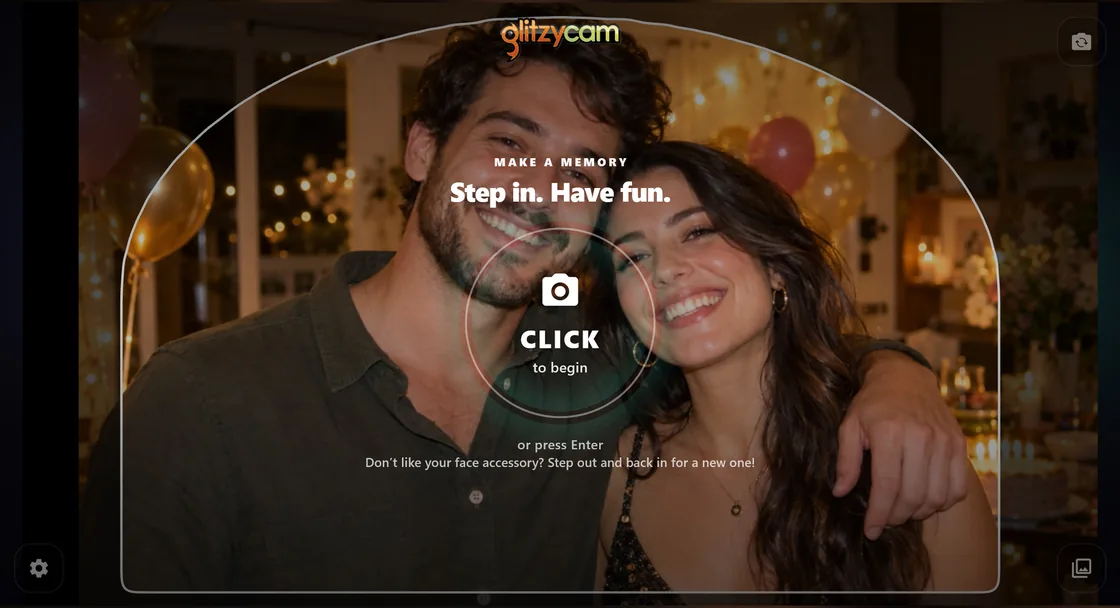
One tap. Everyone’s in.
Guests walk up, strike a pose, and keep the energy moving with no instructions.
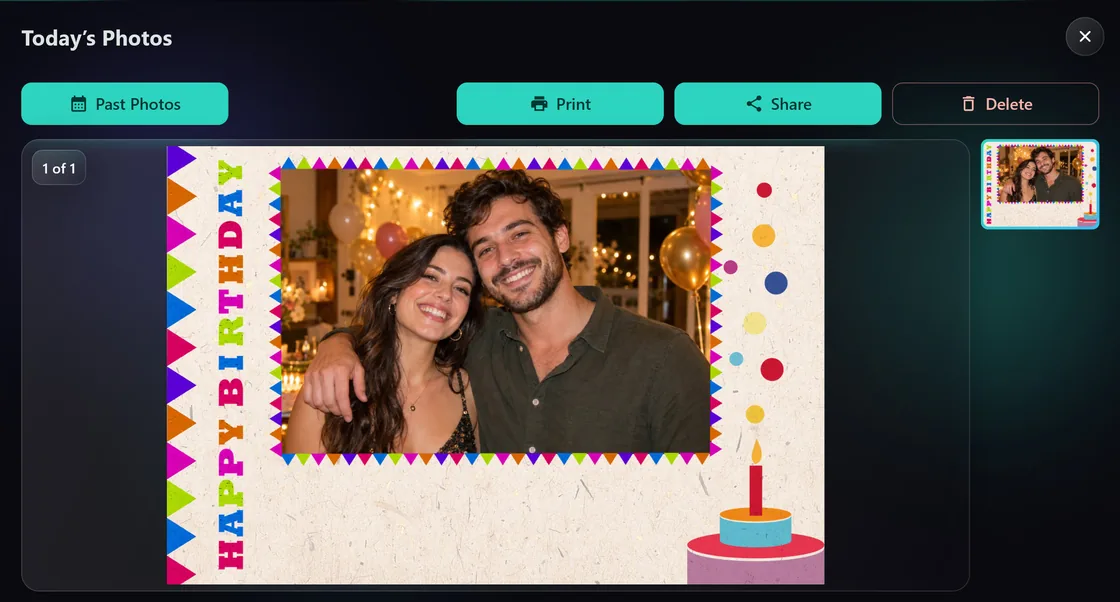
Print it. Scan it. Share it.
Deliver the memory by print, QR, email, or SMS.
Your own design in 5 minutes or less
Making a photobooth template by hand takes an hour or more, or you pay a professional to do it. Tell Glitzycam about your event instead, and it paints a one-of-a-kind design for you.
How long a custom design takes
By hand, in a design app1 hour or more
Glitzycam AI designer5 minutes or less
Hiring a professional means waiting on them and paying for their time. Each AI design takes about 3 minutes to paint, and you can leave while it works: your design waits for you in My Templates.
-
Tell us about your event
Name your event and say what you’re celebrating. No design skills or software needed.
-
Pick a style and a layout
Choose from 100 art styles, with a live sketch of your print as you go.
-
Get a finished design
A one-of-a-kind print is ready in a few minutes. Not quite right? Try another take, or tweak it with a note like “make the title bigger”.
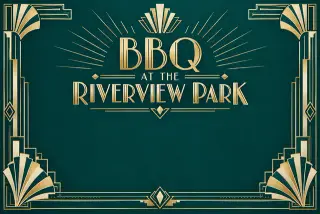 Art Deco
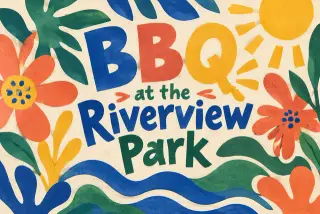 Cut paper
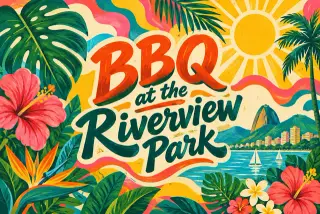 Tropicália
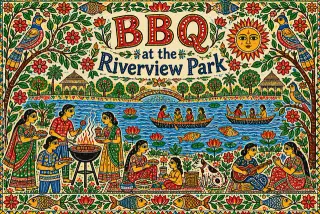 Madhubani folk art
The same event in four of the 100 styles.
75 free glitzycoins when you sign up and verify your email. That’s enough to create your first custom template for the Glitzycam app, on us.
Priced in glitzycoins, and a design that fails is refunded automatically. Already have an account? Open the AI designer. Read the FAQ.
Everything your guests will love. Nothing you have to babysit.
Eight reasons your next party runs itself, on any phone or tablet.




Fun face accessories
NewThe booth spots every face and gives each guest a surprise prop: sunglasses, crowns, unicorn horns, cat ears, mustaches and more. Props follow guests live through the countdown and land in every print, and everyone in a group gets their own.
You choose which props are in play, or switch them off, in Settings.
Dozens of props, plus packs · You pick which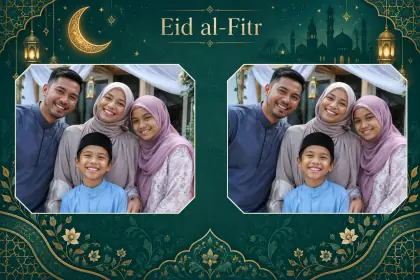


A design for every celebration
Generate one with AI on glitzycam.com in 5 minutes or less, build your own in the app’s editor, or load any Marketplace template in one tap.
AI · Custom · Marketplace
See the shot before it’s taken
The camera dims everything outside the photo window, even custom shapes, so guests know exactly who’s in the frame.
Photo masks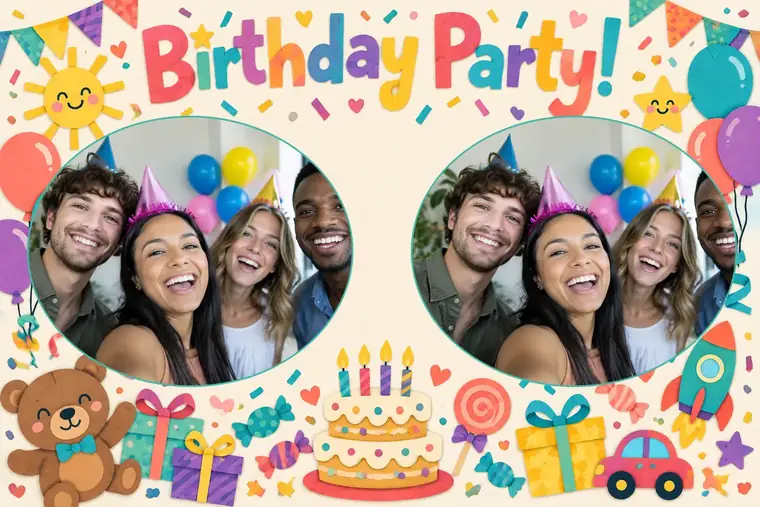
Make it exactly yours
Change the photo windows, text and artwork of your templates right in the browser. It works on a computer, a tablet and a phone.
- Drag, resize and rotate every photo window, then give it a shape.
- Preview with a sample photo to see the framing the way a guest will.
- Every save is a new version, so you can always go back.
Start it your way
Guests tap the screen, or you hand them a Bluetooth selfie remote. One press and the countdown begins.
Bluetooth remotes supported
Printed automatically
Switch on auto-print and every session comes out as a real 4×6″ print, no operator needed. Add as many printers as you like, free: each photo goes to the least busy one.
AirPrint · Network printersFiled by day, automatically
Every photo is saved by date, with one album per party day in your Photos app and a calendar in the gallery to find any day.
Organized by date
Send it home
Guests scan a QR code, get a text or an email, or pin their photo on the Snapshots Around the World map.
See the world mapGlitzycam speaks your language
- Guides, prices, the FAQ and the support page are all translated.
- Your browser’s language is picked automatically, and your choice is remembered.
- Each page keeps its own link in every language, ready to share.
- English
- Español
- Deutsch
- Français
- Português
- 日本語
- 简体中文
- 한국어
- Русский
- Italiano
- हिन्दी
Here’s what a booth looks like
A phone or tablet on a tripod is all it takes. Add a light, a Bluetooth button and printers when you’re ready.
Match Every Moment in One Tap
Ready-made designs for the celebrations you shoot most — browse them in the Glitzycam Marketplace.
Switch your booth’s look instantly — no reboot, no reconfiguring.


Questions hosts ask before the party
Straight answers. Still wondering something? Sign in to chat with Steven, the Glitzycam AI assistant, for answers about the app, templates and glitzycoins, or ask support.
Is Glitzycam free? What does it cost?
The app is free to download and use on iPhone, iPad and Android phones and tablets, and designs you build in its own editor are free. AI-generated designs and Marketplace templates use glitzycoins, which you buy on glitzycam.com (some Marketplace templates are free). Live prices are always shown on your My Templates page. New accounts get 75 free glitzycoins once their email is verified, enough for a first AI design.
What do I need besides the app?
A phone or tablet and something to hold it, such as a tripod and holder. A printer, a light and a Bluetooth button are optional extras you can add when you are ready.
See the gear guide →Do my guests have to install anything or sign up?
No. Guests walk up and tap the big button, or you hand them a Bluetooth selfie remote. To get their photo on their own phone they scan a QR code on the booth screen, or you send it by text or email.
Do I need a printer?
No, printing is optional. With auto-print switched on, every session comes out as a real 4×6″ print. iPhone and iPad print to AirPrint printers, Android prints to printers on your network, and you can add as many printers as you like for free. Without a printer, guests still get their photos by QR code, text or email.
Does it work without an internet connection?
Taking photos, saving them and printing do not need the internet, although your printer does need to be on the same local network as the booth. You need a connection to sign in and load your templates from glitzycam.com, to email or text photos, and for the Snapshots Around the World map. The QR code works for guests who are on the same Wi-Fi as the booth.
Can I use it for a wedding or a christening?
Yes. The app comes with built-in Wedding and Christening designs, plus baby and birthday designs. The Marketplace and the AI designer cover any other occasion.
Browse the Marketplace →Can I use my own design or photos?
Yes. Build a layout in the app’s editor with your own background art, photo windows and text, or design one in your browser on glitzycam.com. The AI designer also takes a portrait photo, which it incorporates into the artwork.
How do AI designs work?
Describe your event on glitzycam.com and the AI designs a template for you in about 5 minutes or less from start to finish. Making one by hand takes an hour or more. Each design takes about 3 minutes to paint, and you can leave while it works. One purchase covers up to four takes: keep the one you like best, or try another variation or a tweak. An AI design that fails or is cancelled is refunded automatically.
Try the AI designer →What if something goes wrong on the day?
The how-to guide covers the common fixes, such as no camera, nothing printing, or a QR link that will not open. For anything else, email support@glitzycam.com or use the support form. We usually reply within 24 hours on weekdays, and event-day emergencies get priority.
Contact support →
Make Your Next Event Unforgettable
The Glitzycam app is waiting for approval in the App Store and Google Play. Get one email the day it lands, and start designing on the web while you wait.
- App Store Coming soon
- Google Play Coming soon